Docs
Feedback Forms
Feedback forms let you collect anonymous feedback from attendees after a session. They are built using the same forms system used for registrations and general surveys, then attached to course sessions.
Overview
Feedback forms are managed as forms in the admin area and can be attached to live course sessions. The public feedback page is anonymous by default, so identity fields like name and email are removed from validation and stored blank.
Create a Feedback Form
- Go to Admin → Forms.
- Click New Form.
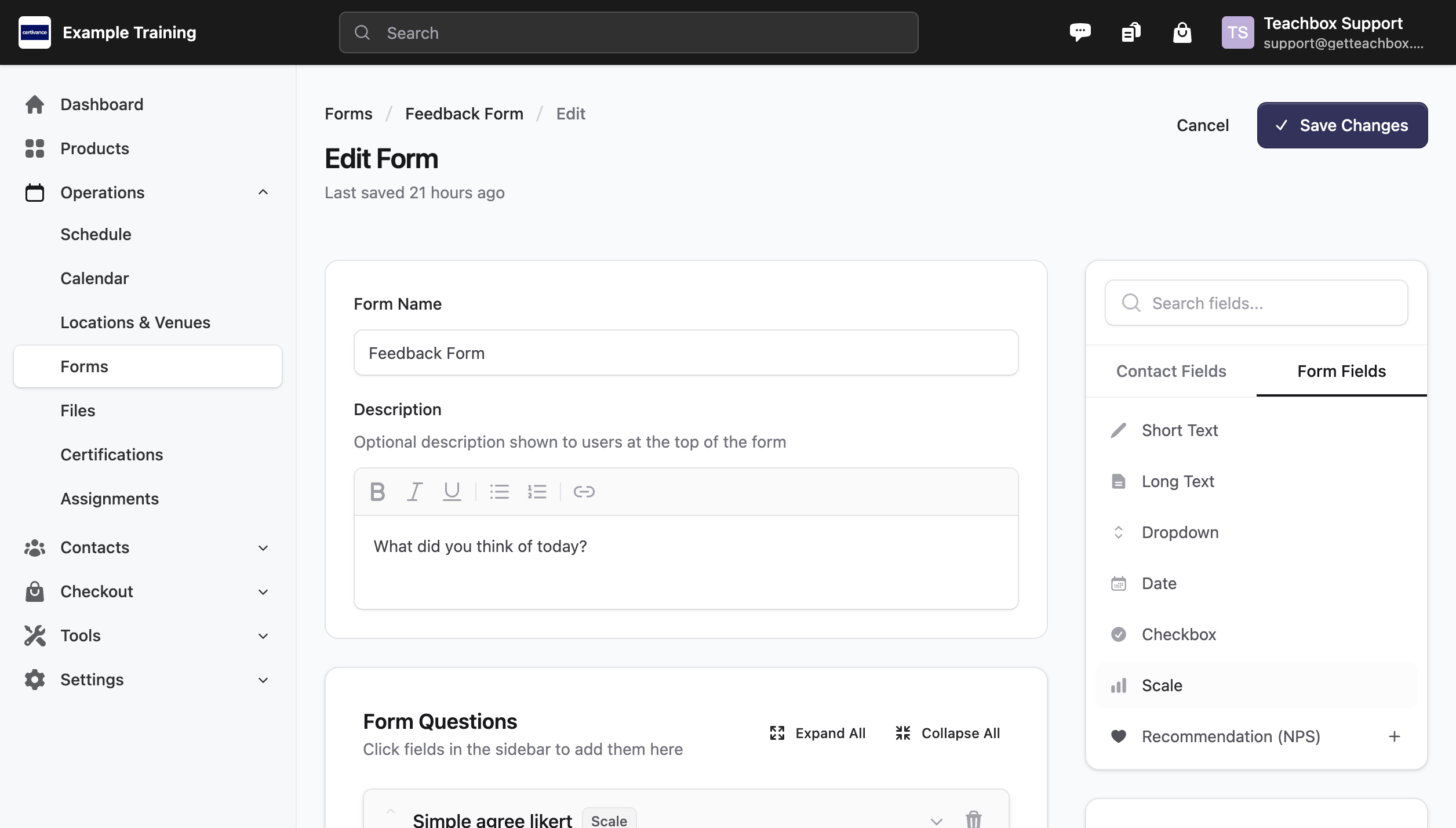
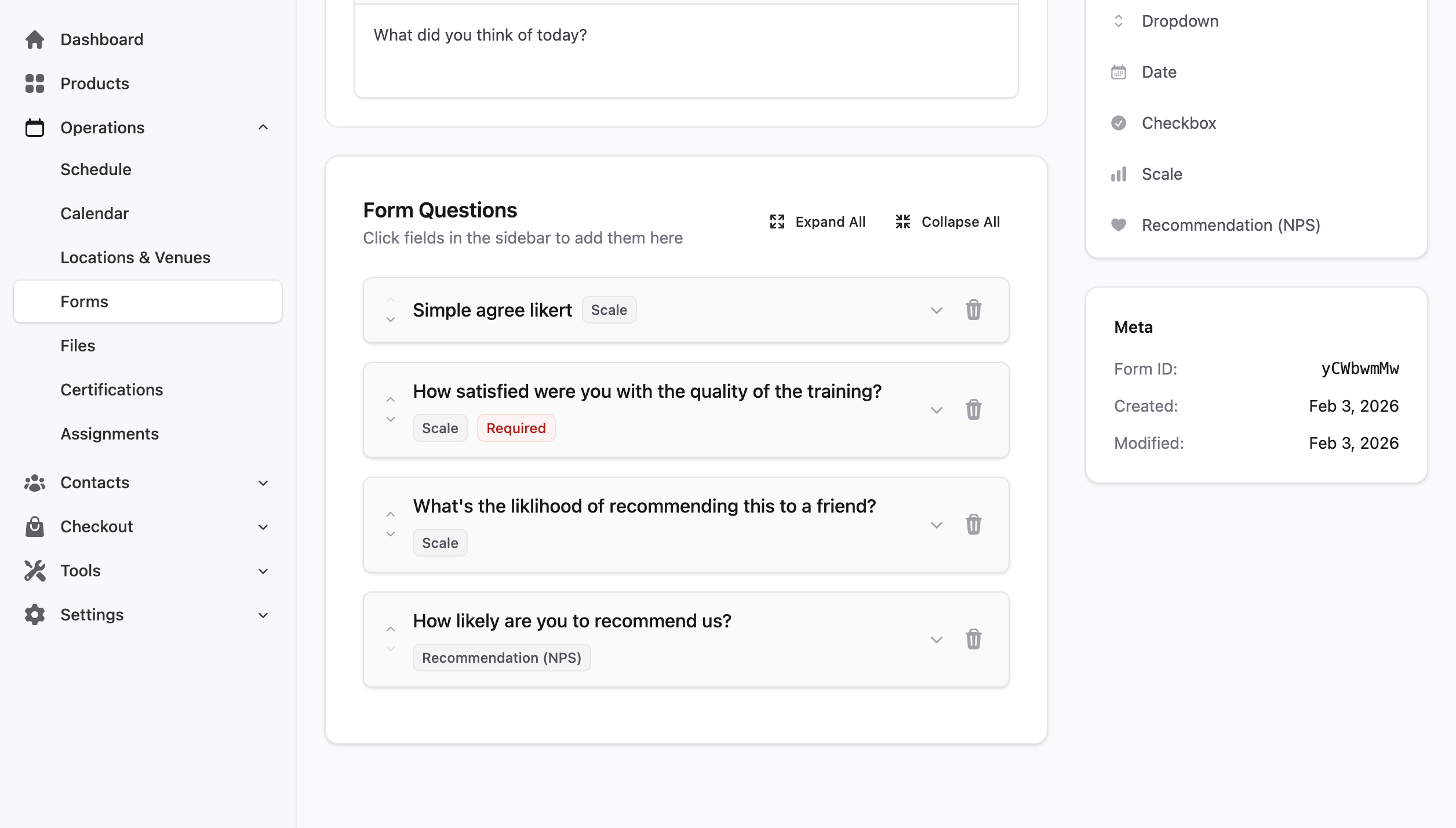
- Add your questions, then save.
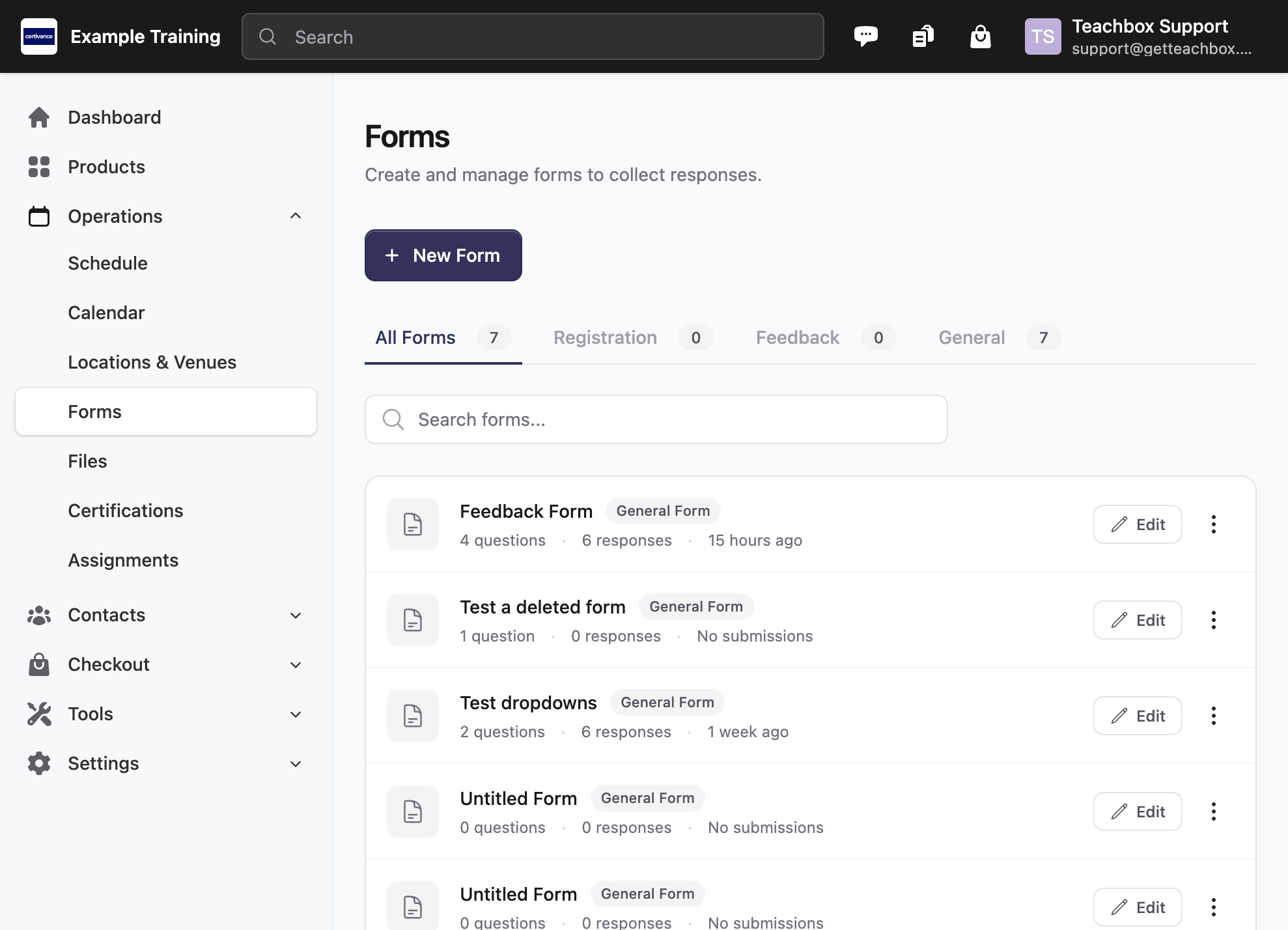
Feedback forms are just forms, so you can reuse them across different products and sessions.
Attach Feedback to Sessions
- Open a product, then choose a course date (instance).
- Open Settings → Session Feedback.
- Enable Collect session feedback.
- Select either Same for all sessions or Unique per session.
- Choose a feedback form and optionally set a close window (days).
Feedback links are generated for scheduled instances. Templates do not create public feedback tokens until there is a scheduled course instance.
Feedback Links
There are two types of links:
- Product feedback link: routes learners to the correct open session automatically.
- Session feedback links: point directly to a specific session’s feedback form.
You can copy the product feedback link from the product header menu (Get Feedback Link) and session links from the Session Feedback section in Settings.
Feedback Window (Open/Close)
Feedback opens after the session starts. It closes after the configured close window, or the default close window if none is set. When a form is within 24 hours of closing, it shows a “closing soon” state.
Set the default close window in Settings → Feedback Settings.
Send Feedback Emails
Use merge tags to insert feedback links in emails:
[Button to="Feedback"]Text[/Button][Link to="Feedback"]Text[/Link]
In session emails, these resolve to the session feedback link. In other emails, they resolve to the product feedback link. If no feedback form is configured, the tag renders nothing.